Hire a Website Developer or Use AI to Build One: What Actually Gets You Customers
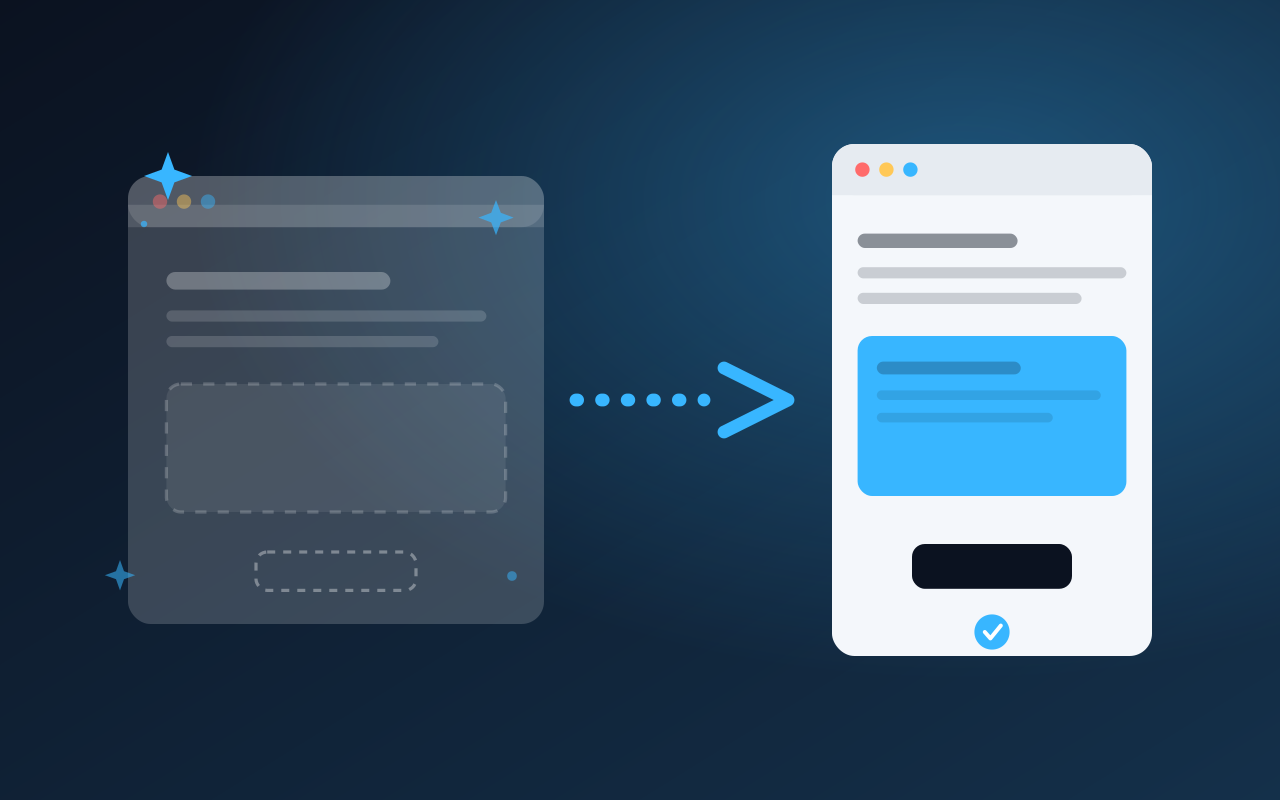
AI can give you a page in a few minutes. The real question is whether that page can take a customer from tap to a message — or only prove you have a website.
AI can draft a page. It does not finish the job of taking customers
AI website tools are good at a first layout, a first pass of copy, and a complete-looking screen in a short sitting. That is enough when you want to test an idea, or when you only need one page so people can see the business exists.
The work that usually stays unfinished is what happens after a tap. A form has to reach a person. A chat button has to open the right inbox. The domain should be the shop name, not a subdomain owned by the tool. And someone on your side should be able to edit a service page later without breaking the layout.
Copy from a tool is often too wide: “quality service, professional team.” A customer on a phone does not need that. They need a button that does one thing — call, chat, or send a request.
Example: a massage shop generated a site in one night. It looked fine on a desktop. The booking button opened a blank page. The phone number could not be copied on mobile. People who meant to book closed the tab. There was a website. There was no sale.
Do not ask only whether AI made it look modern. Ask who receives the tap, and where you edit the text next month.
Hire a website developer when the site has to take forms, own the domain, and keep working
It is worth hiring a website developer when the site is a channel for work, not a brochure. The usual case is a company site that needs services, work samples, a contact page, and a form that lands in LINE, email, or a shared inbox — then the team edits the words after handover.
The other case is a site that talks to another system: booking, a back office, or a shop whose stock changes every week. AI can draft the screens. A person still has to decide where the data goes, and who updates it when an item is gone.
Before you message anyone, write a short scope: how many pages, where each button goes, who updates the text, and whether the domain is already yours. Send the same note to every shop you compare. That is clearer than opening with “how much?” and nothing else.
Megaprod lists website packages on the service page: Basic, Standard, Premium, and custom software. Look at prices there. This article does not repeat the numbers, because they can change. Custom work has no fixed rate — you ask for a quote from the scope. Website packages include a mobile layout. Choose custom when the job is a back office, an app, or a connection to a system you already use.
You do not have to hire the same day. A first conversation is free. Bring what the customer should tap. Then we can see whether a website package or custom work fits.
Hiring does not mean you start with the design. Start with one sentence: which button does the customer press, and what should you get back.
Use AI yourself if you only need a temporary profile page
You do not have to hire every time. Use a tool yourself when all of this is true:
- You need one page this week so you can send a link.
- You are not sure what you will sell, so you do not want a locked structure.
- You have time to try it, and you accept that the domain, business email, and upkeep are your job.
- You do not need a form that must reach LINE or a booking system.
Past those four, doing it yourself usually costs time: colors, wording, then a stuck button or a host setting. A tool can charge a monthly fee. It does not charge for the hour you spend chasing a broken tap on your phone.
If you use AI to draft and you might hire a website developer later, keep the real shop text in a separate file: services, prices you can actually say out loud, photos, and the chat link. Do not leave that only inside the tool account. If the subscription ends, the words can be hard to get out.
AI is a useful first draft even when you hire later. Send that draft to the team as a start. Then ask them to re-check every button, the domain, and the form. A pretty page is not a finished job.
Check four things before you pay, whether you hire or subscribe
Before you pay a team or a tool, answer these four on paper.
One: which button should do what — call, chat, send a form, or show work. If you cannot answer, you are not ready to build.
Two: who owns the domain and the site files. If both live only on the tool’s account, the site can vanish when you cancel.
Three: who can edit a service page next month without opening a chat for every change.
Four: if you want work from search, each service page needs its own title and description. One long page the tool invented is not enough.
These four apply whether you hire a website developer or use AI. The problem is not the name of the tool. It is who is responsible when a customer taps and nothing happens. Answer the four, then pick a method. You waste fewer revision rounds that way.
Test on a phone with an account that is not logged in as the shop. Tap every button. Send a real form. Check that the message arrived in LINE or the inbox of the person who answers. If that path fails, the site is not ready for strangers.
What to do next
- Write one sentence before you open a tool: what the customer taps, and what you get.
- If you only need a link to send this week, draft one page with AI.
- If you need your own domain, a form into chat, and edits you can make yourself, hire a website developer.
- Ask who owns the domain and the files. Do not pay before you get that answer.
- Read the package page for scope first. Website packages have prices on that page. Custom work needs a quote.
- You can talk first. There is no charge, and you do not need a finished spec.
A first conversation is free. Contact the team or message us on LINE. Tell us which button the customer should press. To see current website packages and custom scope, open website services.